

Your CI pipeline fails. Again. You check the logs – it’s a test failure. But the test passes locally. You rerun the pipeline. It passes. You merge. The next PR fails on the same test. Your team is frustrated. Deployments are delayed. No one trusts the CI status anymore.
If this sounds familiar, you’re not alone. CI test failures are one of the biggest pain points in modern software delivery. Flaky tests account for an estimated 13% of CI build failures and up to 16% of test failures in large-scale systems . At companies like Atlassian, flaky tests were responsible for 21% of master build failures in the Jira frontend, costing an estimated 150,000 developer hours annually .
This guide gives you a practical, step‑by‑step approach to stop pipeline failing tests and restore confidence in your CI/CD process.
The Short Answer
To stop CI test failures, start by quarantining flaky tests so they don’t block deployments. Then fix the root causes – timing issues, environment differences, and test data conflicts are the top culprits. Finally, configure your CI to fail fast and implement automated flaky test detection to prevent future failures.
Why Do Tests Fail in CI but Pass Locally?
Understanding why pipeline failing tests happen is the first step to stopping them. The root causes usually fall into a few categories :
| Cause | Why It Happens | Example |
|---|---|---|
| Timing issues | CI environments are slower than local machines. Elements take longer to load. | A test expects a button to appear in 2 seconds, but CI takes 5 seconds. |
| Environment differences | CI uses different OS versions, browser versions, or dependencies. | Test passes on macOS but fails on Ubuntu CI runners. |
| Test data conflicts | Tests share data (e.g., the same user account). One test modifies it, breaking another. | Test A changes a user’s password; Test B tries to log in with the old password. |
| Parallel execution | Tests run simultaneously and interfere with each other. | Two tests try to create the same database record at the same time. |
| External dependencies | Third‑party APIs are slow, rate‑limited, or temporarily unavailable. | A payment gateway test fails because the sandbox API is down. |
| Resource contention | Shared CI runners have variable CPU, memory, and network performance. | A test passes when runners are idle but fails during peak load. |
| Missing or disabled tests | Tests are skipped or disabled, creating a false sense of security. | CI shows ✅ SUCCESS even though unit tests are disabled . |
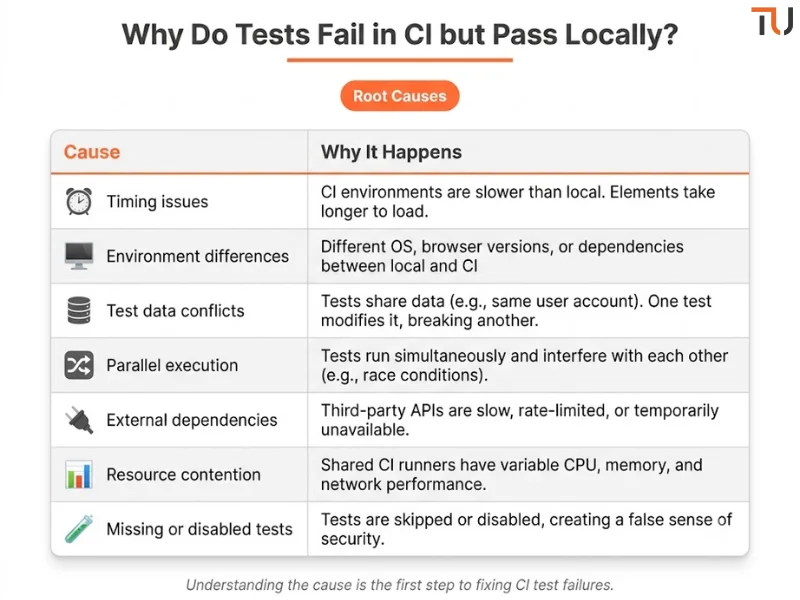
“A flaky test produces inconsistent results without any code change. The system under test remains stable, but the test itself cannot be trusted” .
Step 1: Stop the Bleeding – Quarantine Flaky Tests
The first priority when CI test failures are blocking your team is to stop the blocking. Quarantine is a temporary measure that restores pipeline stability while you fix the root cause .
How to quarantine:
| Method | How It Works | Best For |
|---|---|---|
| Tag and skip | Add a @flaky tag to tests and exclude them from the main CI run. |
Quick fixes, temporary isolation. |
| Separate pipeline stage | Move flaky tests to a non‑blocking stage (e.g., nightly). | Tests that are useful but not critical. |
| Retry with limits | Allow flaky tests to retry 1‑2 times before failing. | Tests that fail occasionally due to timing. |

Key rule: Never leave tests quarantined indefinitely. Create an issue with a milestone to fix them, and assign ownership . For example, if you’re using Bitbucket Pipelines, you can now use AI‑driven flaky test remediation to automatically detect and fix flaky tests .
Why quarantine works:
-
Prevents flaky tests from blocking deployments
-
Reduces noise so engineers focus on genuine failures
-
Restores trust in the CI status
Step 2: Fix the Root Causes
Once your pipeline is stable, systematically fix the underlying issues causing CI test failures.
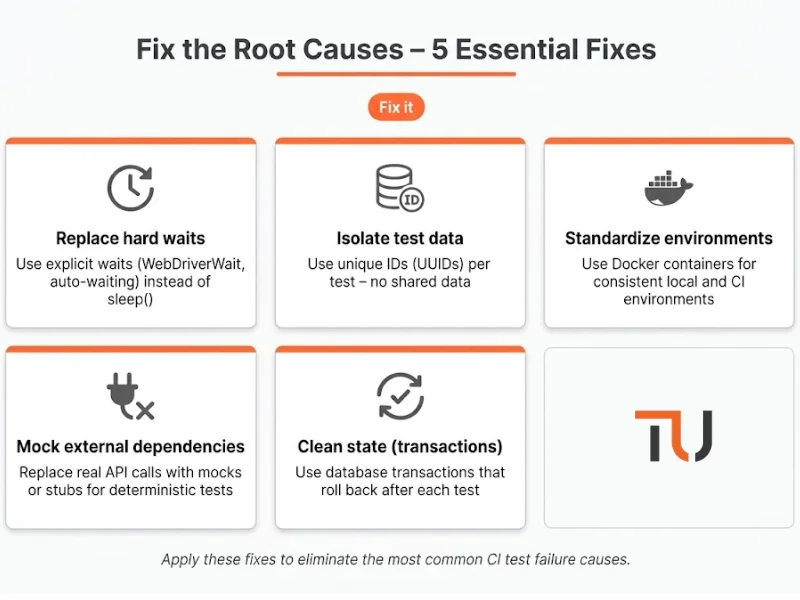
Fix 1: Replace Hard Waits with Smart Waits
Hard waits (sleep(5)) are the #1 cause of timing‑related pipeline failing tests. CI environments are slower – what takes 2 seconds locally might take 5 seconds in CI.
Before (bad):
time.sleep(5)  # Always waits 5 seconds – too slow or too fast
driver.find_element(By.ID, "submit").click()
After (good – explicit wait):
WebDriverWait(driver, 10).until(
    EC.element_to_be_clickable((By.ID, "submit"))
).click()
Fix 2: Isolate Test Data
Shared test data is a top cause of CI test failures . When tests use the same data, one test can break another.
Solution: Every test should create its own data with unique identifiers.
import uuid

def test_create_order():
    unique_email = f"user_{uuid.uuid4()}@example.com"
    user = create_user(unique_email)
    # test logic...
    # cleanup happens automatically
Fix 3: Standardize Environments
CI test failures often happen because the CI environment differs from local development .
Solutions:
-
Use Docker containers for consistent environments across local and CI
-
Use the same OS version, browser version, and dependencies in CI as in production
-
Store environment variables in a central, version‑controlled location
Fix 4: Mock External Dependencies
External APIs are a major source of non‑determinism .
Solution: Replace real API calls with mocks or stubs in tests.
# Instead of calling a real payment gateway:
mock_payment = MockPaymentService()
mock_payment.set_response({"status": "success"})
result = process_payment(mock_payment)
assert result == "success"
Fix 5: Run Tests in a Clean State
Tests that leave behind data cause subsequent tests to fail.
Solutions:
-
Use database transactions that roll back after each test
-
Use Docker Compose to spin up a fresh database for each test run
-
Use test fixtures with
setupandteardownmethods
Step 3: Configure Your CI to Fail Fast
When pipeline failing tests occur, you want to know immediately – not after waiting 45 minutes for the entire suite to run.
Fail‑fast strategies:
| Strategy | How to Implement | Benefit |
|---|---|---|
| Stop on first failure | Use --bail (Vitest/Jest) or --fail-fast (pytest) |
Saves time and resources |
| Auto‑cancel on failure | Configure CI to cancel remaining jobs when one fails | Reduces CI costs |
| Run critical tests first | Use test prioritization (P0 tests first) | Fast feedback on critical issues |
| Stop tests across all machines | Use Cypress Auto Cancellation or similar features | Stops parallel runs on failure |

Example: GitLab Auto‑Cancel
workflow:
  auto_cancel:
    on_job_failure: all  # Cancels all jobs if any fails [citation:8]
Example: Vitest Bail
# vitest.config.js
export default {
  test: {
    bail: 1  # Stops after 1 failure [citation:4]
  }
}
Example: Cypress Stop on Failure
// support/index.js
afterEach(function () {
  if (this.currentTest.state === 'failed') {
    Cypress.stop()  // Stops all remaining tests [citation:12]
    return
  }
})
Step 4: Implement Flaky Test Detection
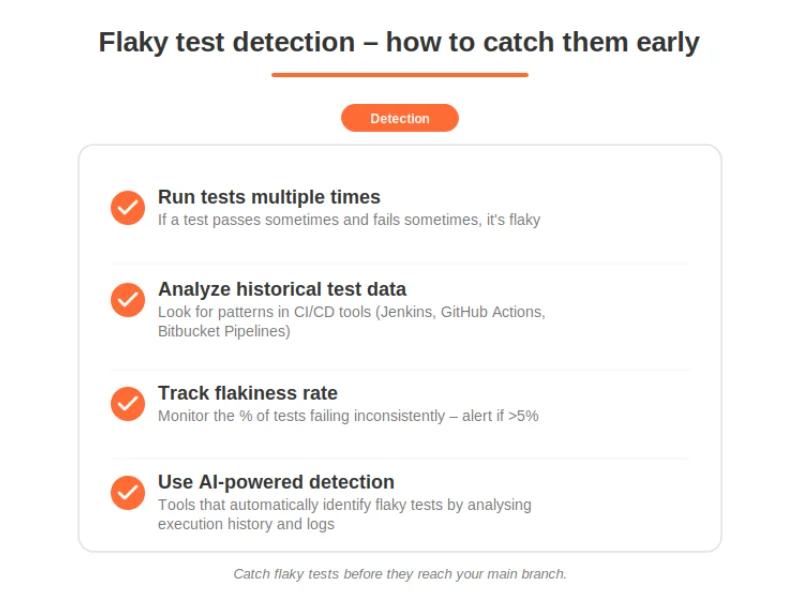
The best way to stop CI test failures is to catch flaky tests before they reach your main branch.
Detection strategies:
-
Run tests multiple times – If a test passes sometimes and fails sometimes, it’s flaky .
-
Analyze historical test data – Look for patterns in CI/CD tools. Bitbucket Pipelines, for example, aggregates per‑test data across up to 250 executions to identify intermittent failures .
-
Track flakiness rate – Monitor the percentage of tests that fail inconsistently. Set an alert if it exceeds 5% .
-
Use AI‑powered detection – Some tools now automatically identify flaky tests by analyzing execution history and logs .
“Flaky tests account for an estimated 13% of CI build failures and up to 16% of test failures in large-scale software systems” .
Step 5: Build a Culture of Test Reliability
Stopping pipeline failing tests isn’t just technical – it’s cultural.
Key practices:
| Practice | Why It Matters |
|---|---|
| Fix failing tests first | Tests failing on main are highest priority – block new features until they’re fixed . |
| Assign ownership | Every quarantined test should have an owner and a milestone for fixing it . |
| Don’t ignore flakiness | Treat flaky tests as bugs – create issues, track them, and fix them . |
| Invest in test infrastructure | Faster CI runners, better test data, and modern frameworks reduce flakiness . |
| Celebrate test improvements | When you reduce flakiness, celebrate it. It builds momentum for quality . |

What If You’re Still Stuck?
You’ve quarantined flaky tests, fixed root causes, and configured fail‑fast. But CI test failures keep happening. Some problems are genuinely complex – legacy test infrastructure, distributed systems, or deep environment mismatches.
That’s where TestUnity’s Test Automation Services help. We specialize in diagnosing and fixing flaky test suites, optimizing CI pipelines, and implementing prevention strategies. We’ll help you restore confidence in your CI/CD process.
Need expert help with CI test failures? Contact TestUnity today for a free consultation.
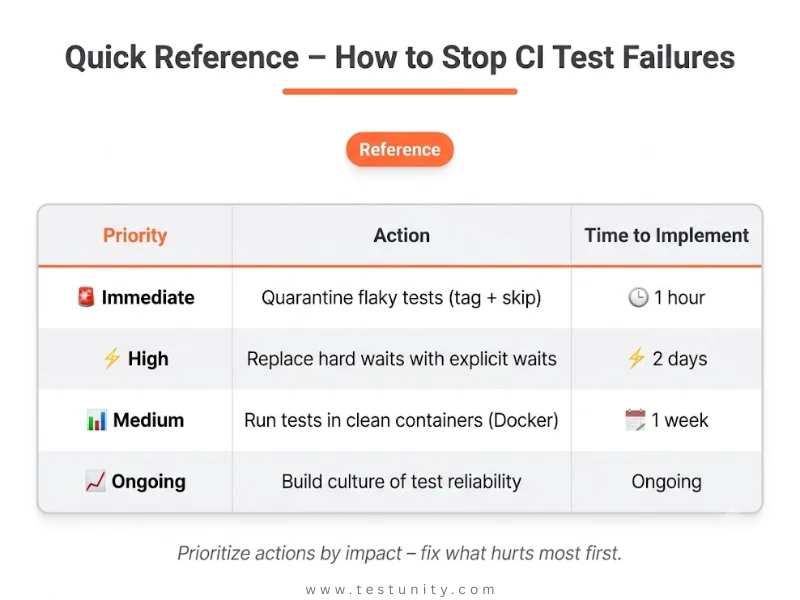
Quick Reference: How to Stop CI Test Failures
| Priority | Action | Time to Implement |
|---|---|---|
| 🚨 Immediate | Quarantine flaky tests (tag + skip) | 1 hour |
| 🚨 Immediate | Configure fail‑fast in CI (bail, auto‑cancel) |
2 hours |
| ⚡ High | Replace hard waits with explicit waits | 2 days |
| ⚡ High | Isolate test data (unique IDs) | 2 days |
| ⚡ High | Mock external dependencies | 3 days |
| 📊 Medium | Run tests in clean containers (Docker) | 1 week |
| 📊 Medium | Implement flaky test detection (historical analysis) | 1 week |
| 📈 Ongoing | Build culture of test reliability | Ongoing |
Related Resources
-
Integrating Testing into Your CI/CD Pipeline – Parent topic on CI/CD testing
-
Continuous Testing: The Backbone of Modern DevOps – Continuous testing context
-
Why Are My Tests So Slow? 7 Quick Fixes – Speed up your test suite
-
Flaky Tests Are Ruining My Confidence – What Do I Do First? – Deep dive on flaky tests

TestUnity is a leading software testing company dedicated to delivering exceptional quality assurance services to businesses worldwide. With a focus on innovation and excellence, we specialize in functional, automation, performance, and cybersecurity testing. Our expertise spans across industries, ensuring your applications are secure, reliable, and user-friendly. At TestUnity, we leverage the latest tools and methodologies, including AI-driven testing and accessibility compliance, to help you achieve seamless software delivery. Partner with us to stay ahead in the dynamic world of technology with tailored QA solutions.





Leave a Reply